

Buy a Property
Explore properties for sale, compare areas and understand ready and off-plan options.
Explore Properties for Sale
Explore homes, investments, projects, communities and commercial property through one structured English and Arabic platform.
Choose the path that matches your goal without mixing sale, rental and owner services.
Explore properties for sale, compare areas and understand ready and off-plan options.
Explore Properties for Sale
Search homes and commercial spaces available for rent across the Emirates.
Explore Properties for Rent
Request a valuation, prepare a listing and manage property enquiries.
Open the Seller Journey
Explore emirates, communities, projects, property types and practical guides.
Research UAE Property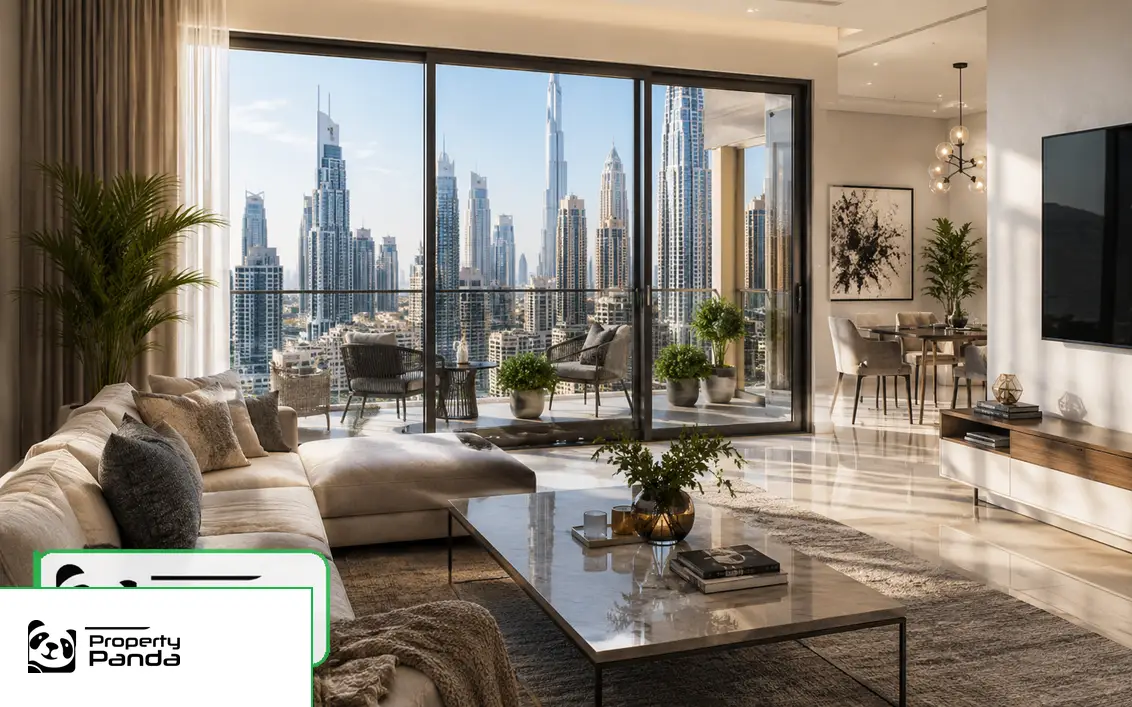 ApartmentsPremium apartments across UAE cities
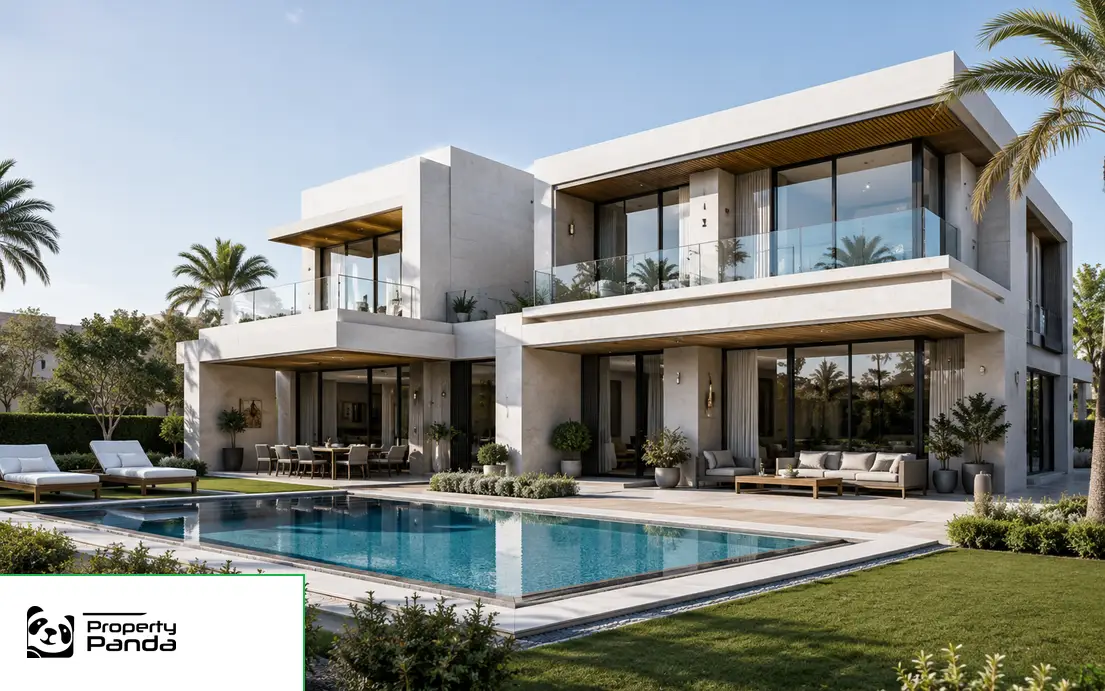 VillasPrivate villas in established UAE communities
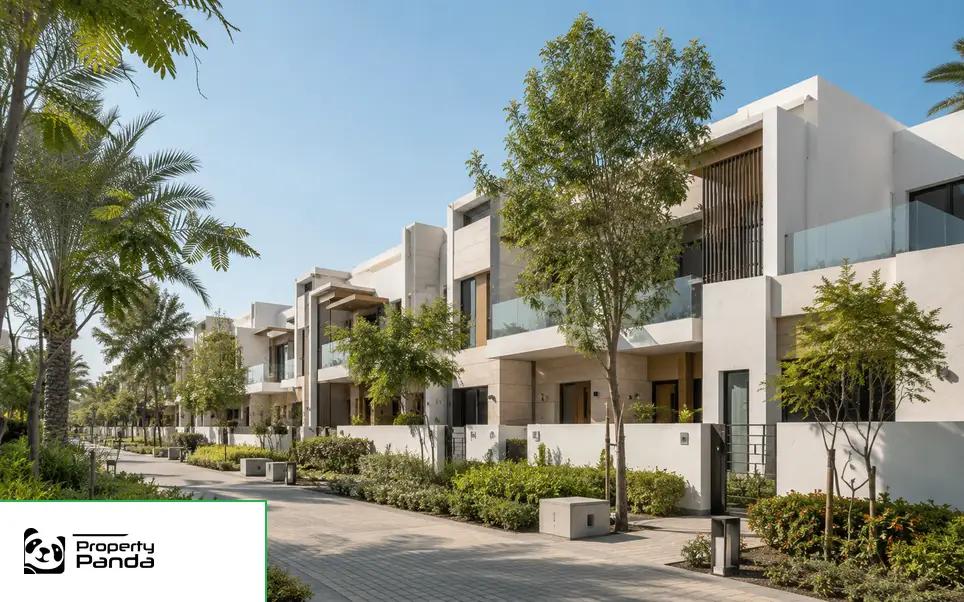 TownhousesFamily townhouses with community amenities
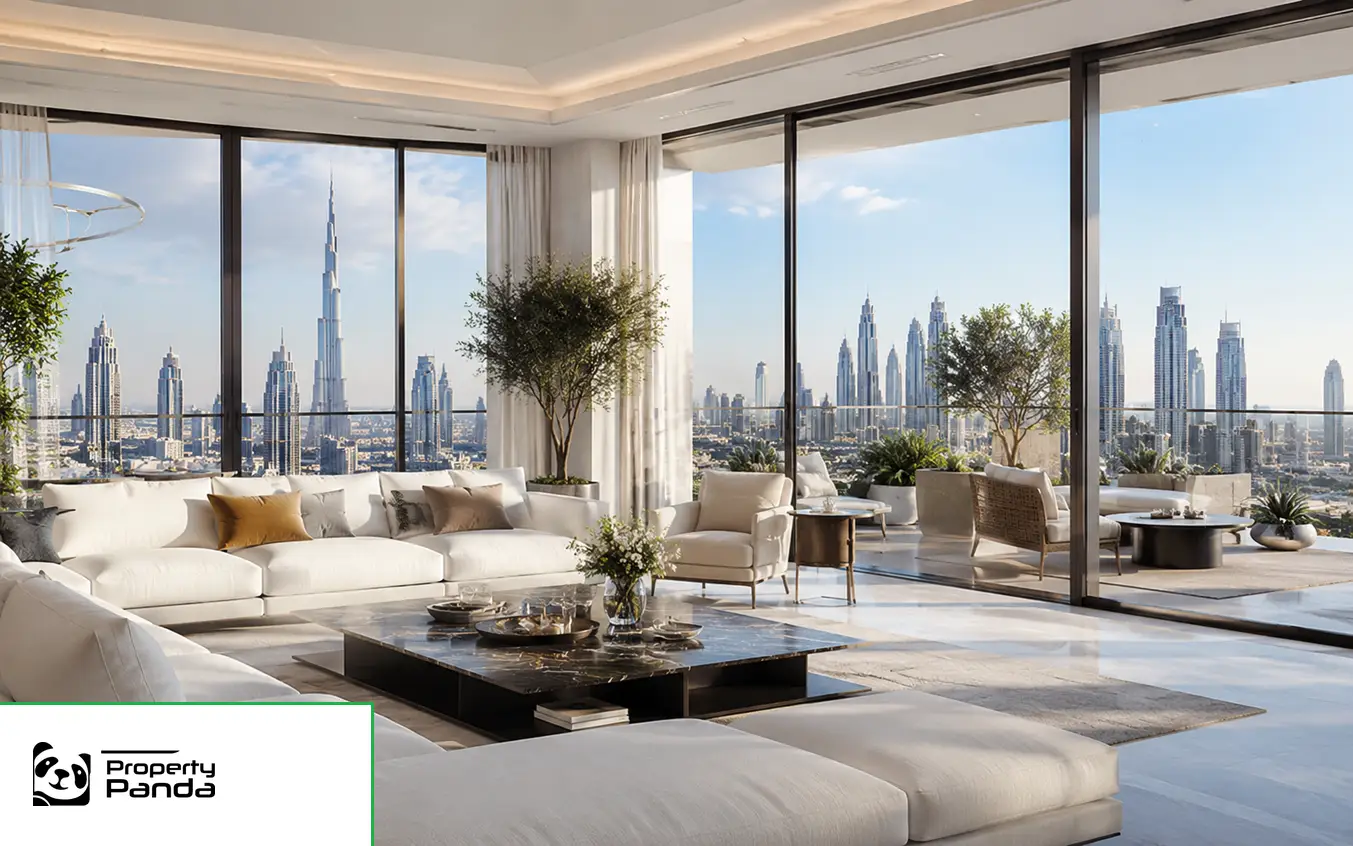 PenthousesPremium penthouses with city and waterfront views
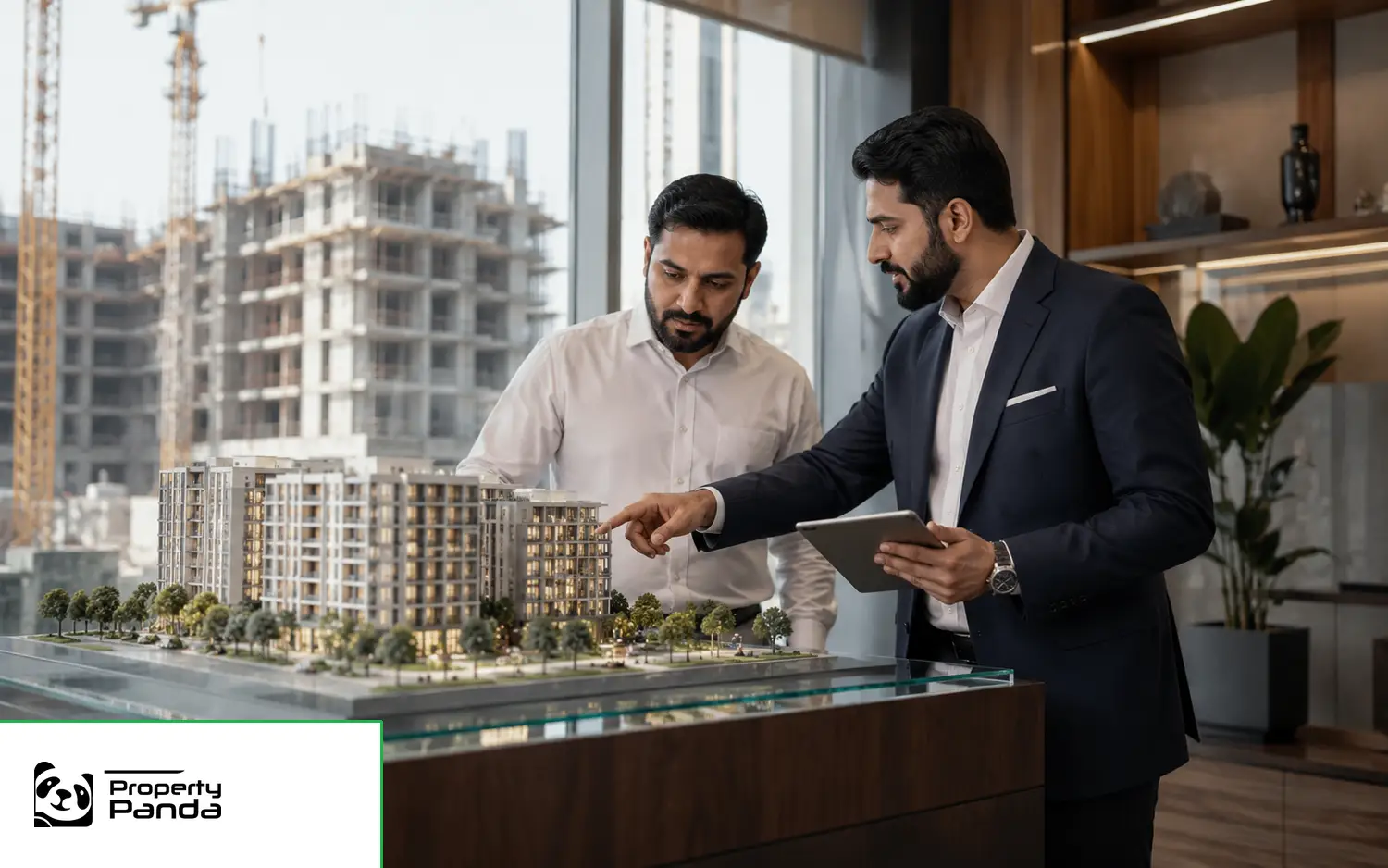 Off-plan PropertyNew development opportunities with future handover
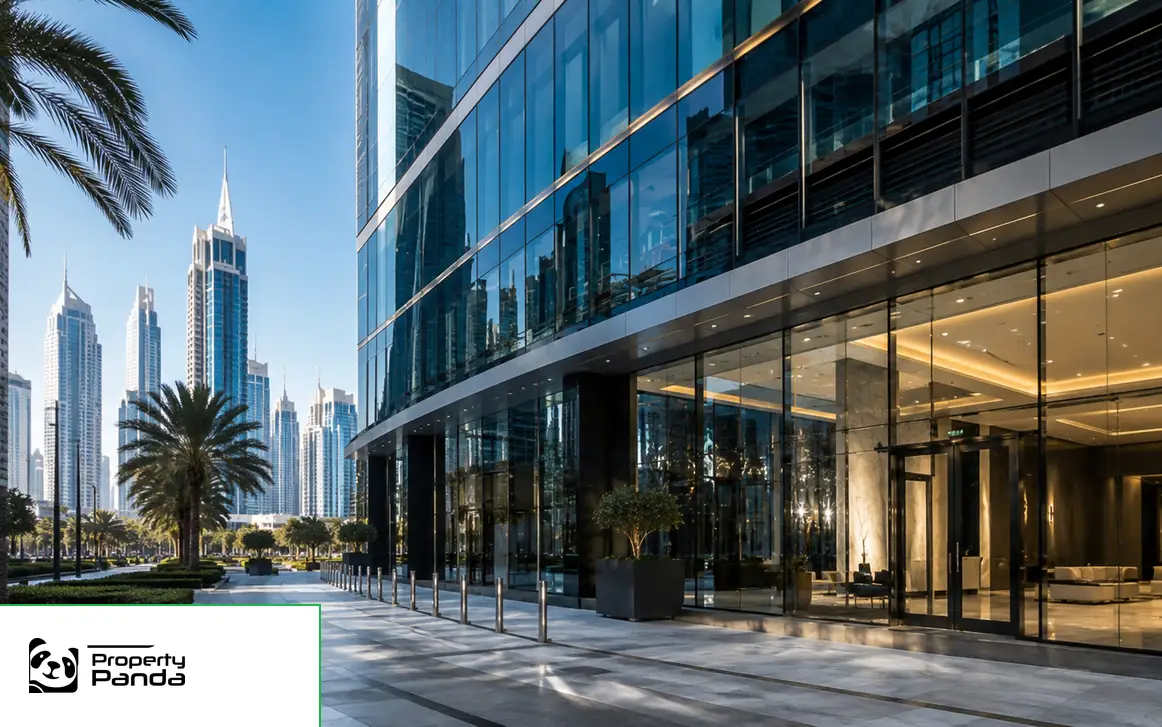 Commercial PropertyOffices, retail and other commercial property
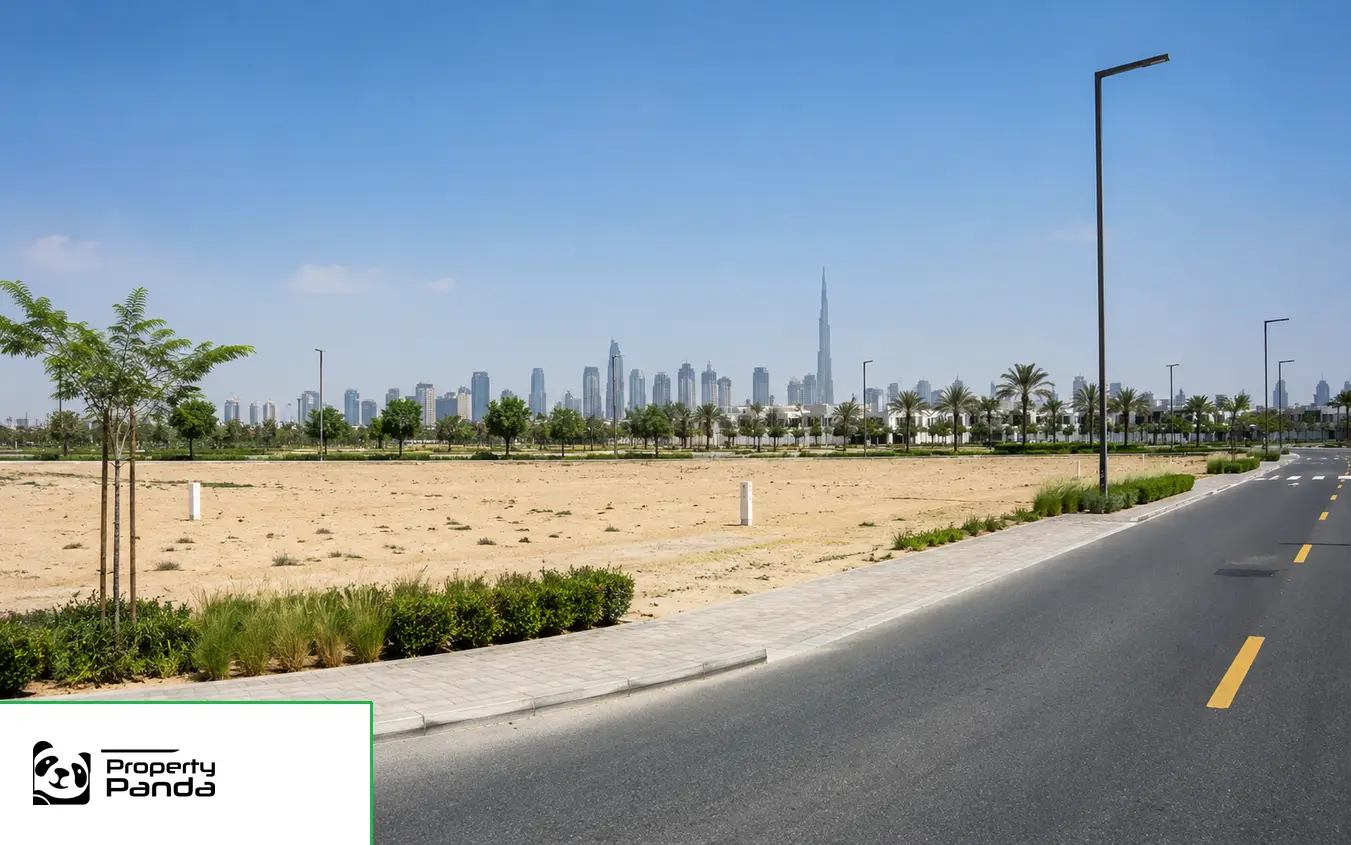 Plots and LandResidential and commercial land opportunities
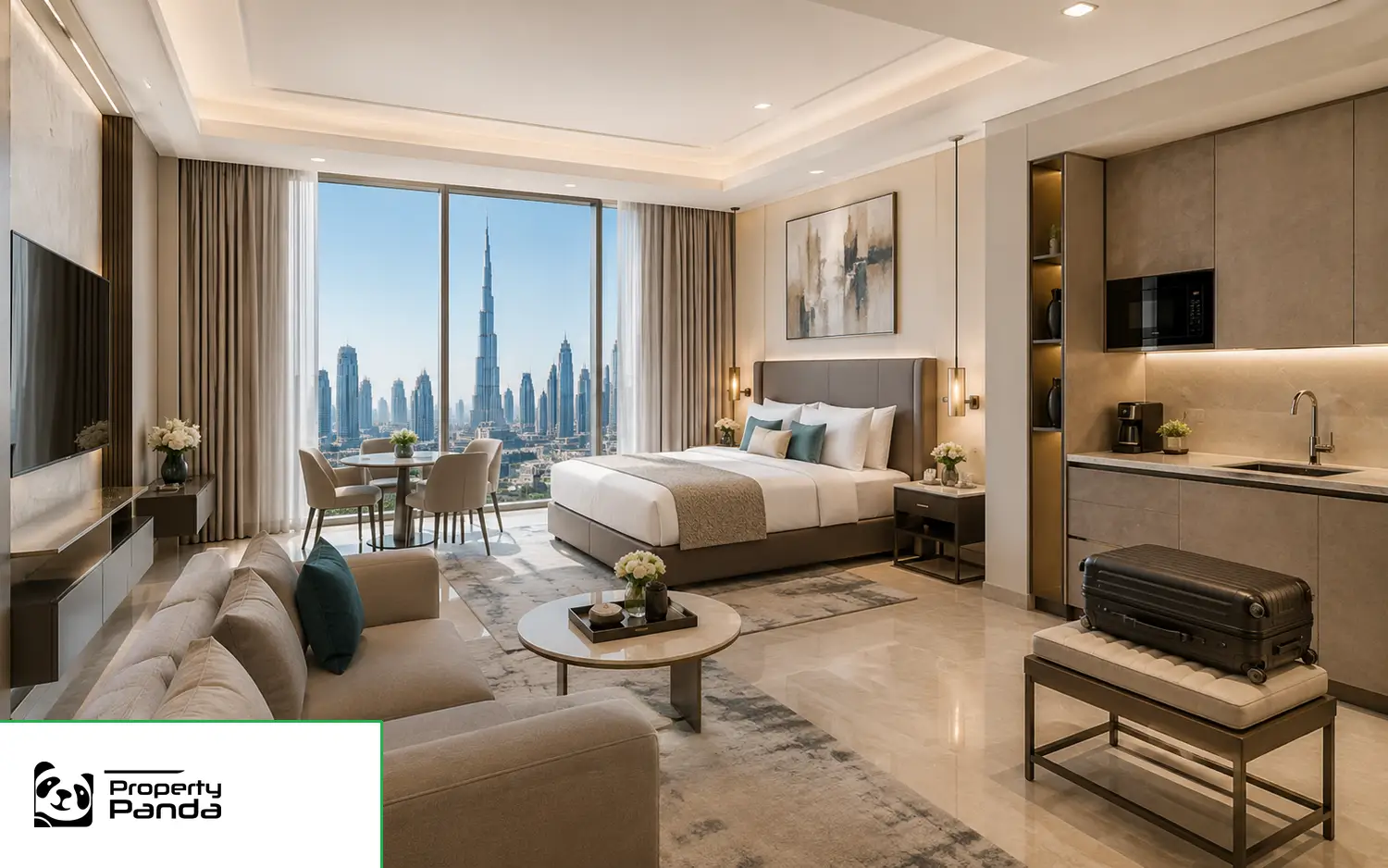 Hotel ApartmentsServiced and hotel-apartment property options
Publish collection pages only when they have enough inventory or original content.
Commercial search uses business-appropriate filters.
Distinct emirate cards keep sale, rent and area routes clear.
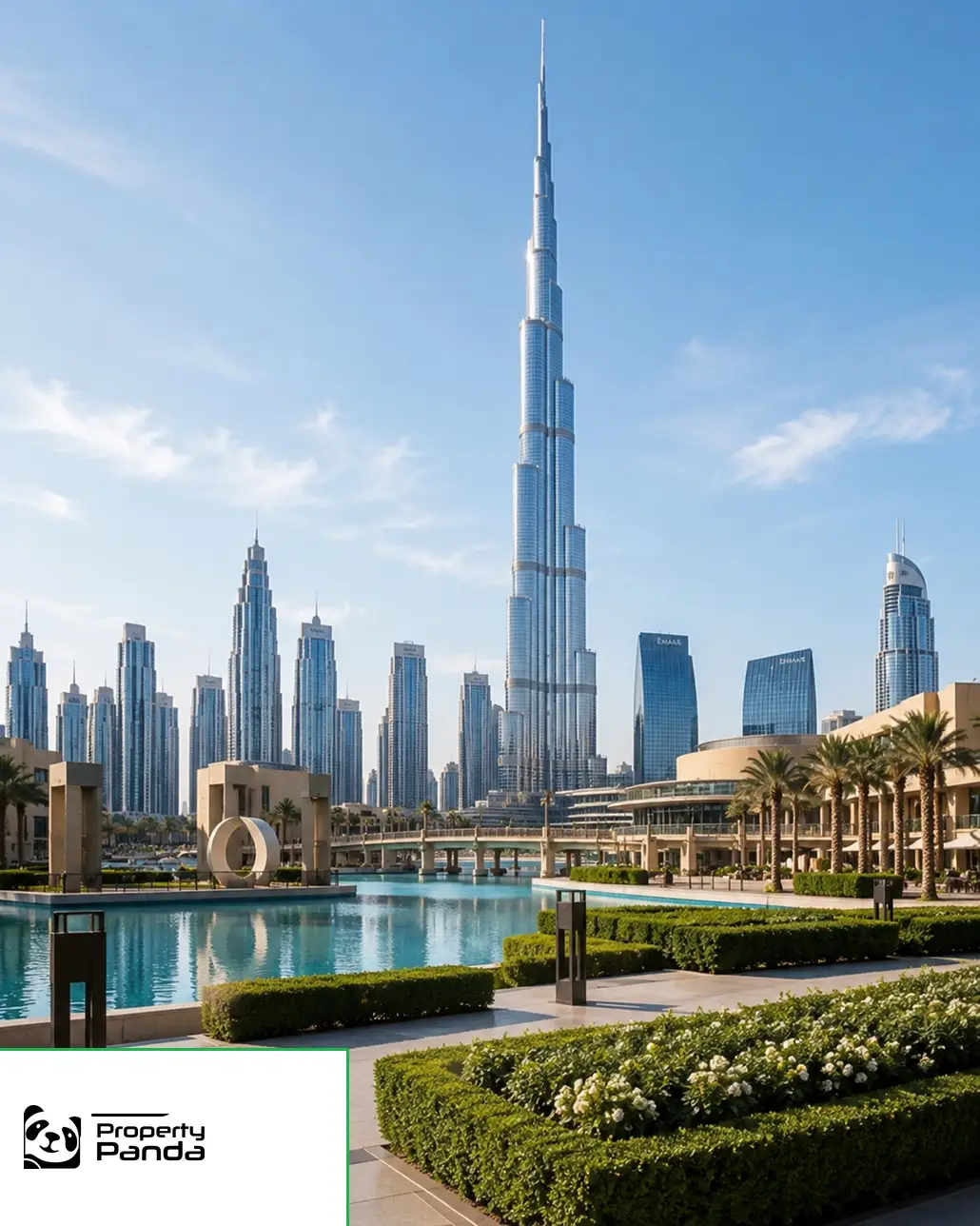
Urban districts and waterfront communities.
For SaleFor Rent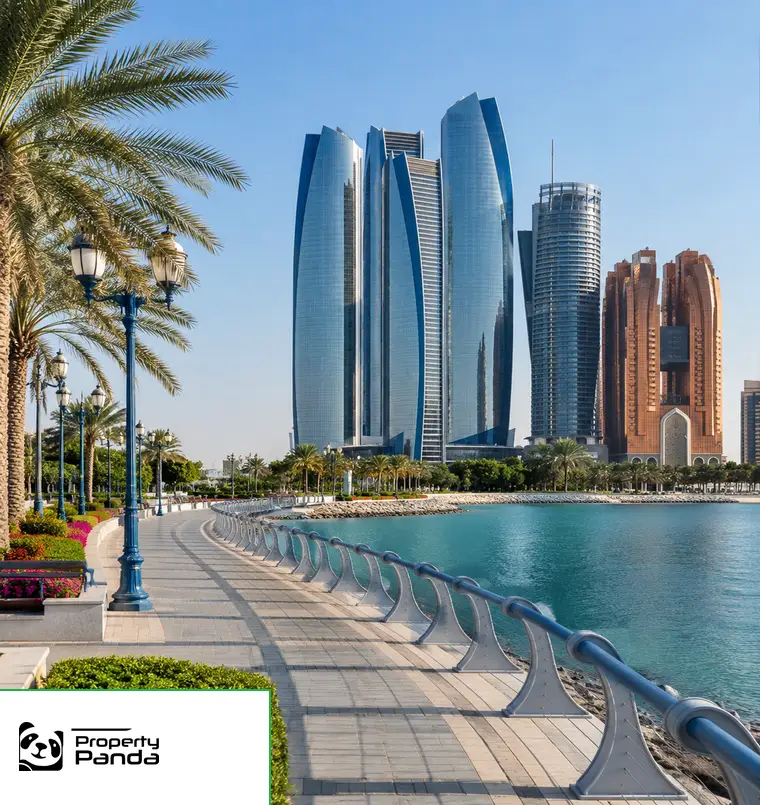
Island communities and city districts.
For SaleFor Rent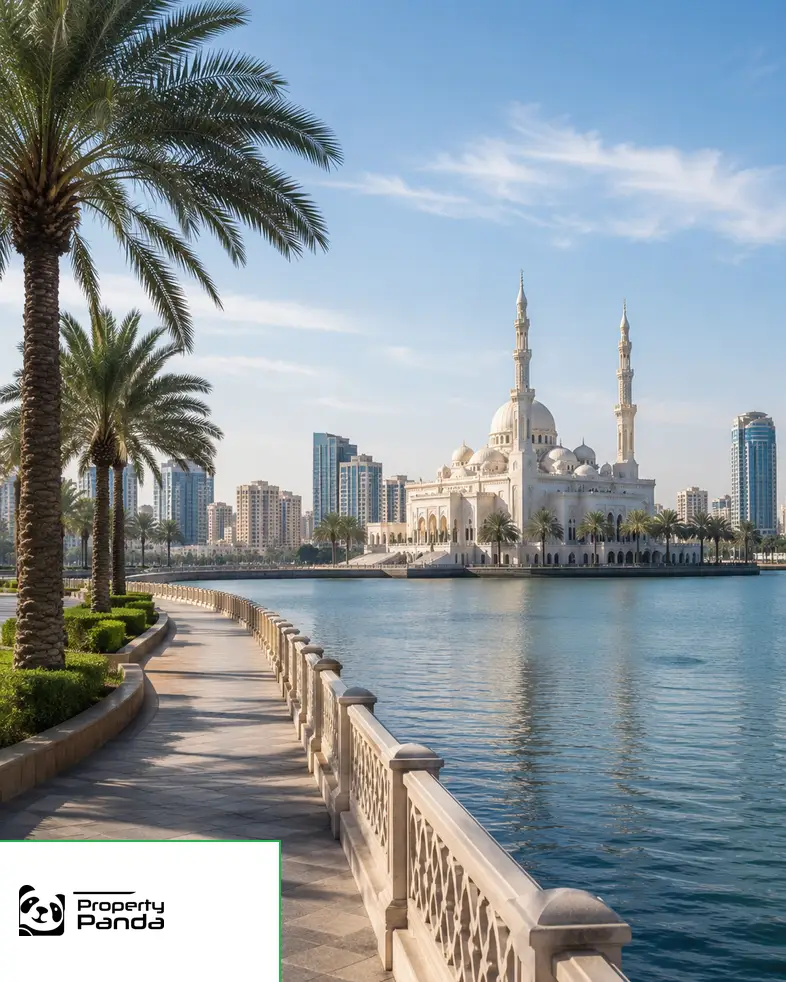
Family districts and new communities.
For SaleFor Rent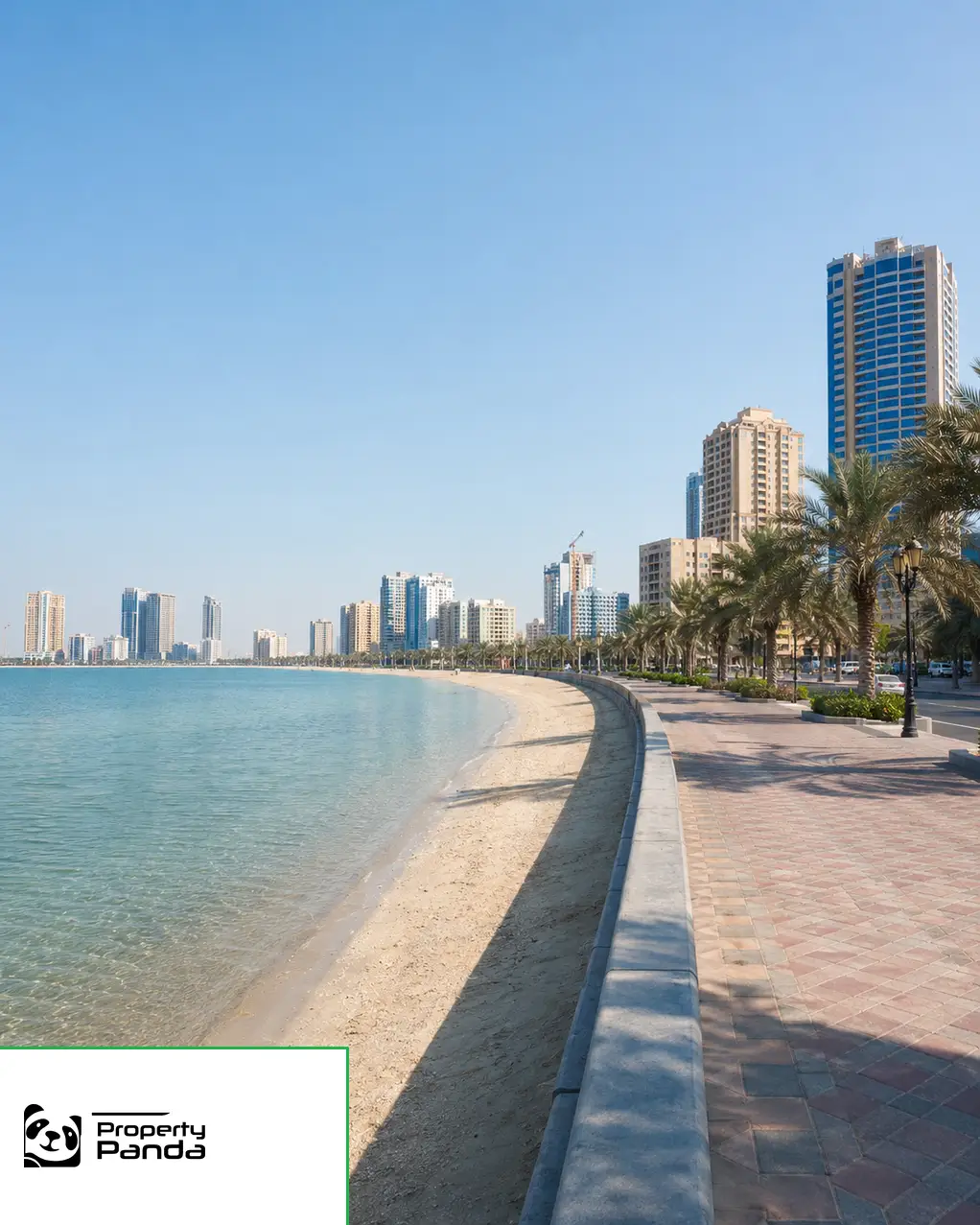
Coastal locations and residential choices.
For SaleFor Rent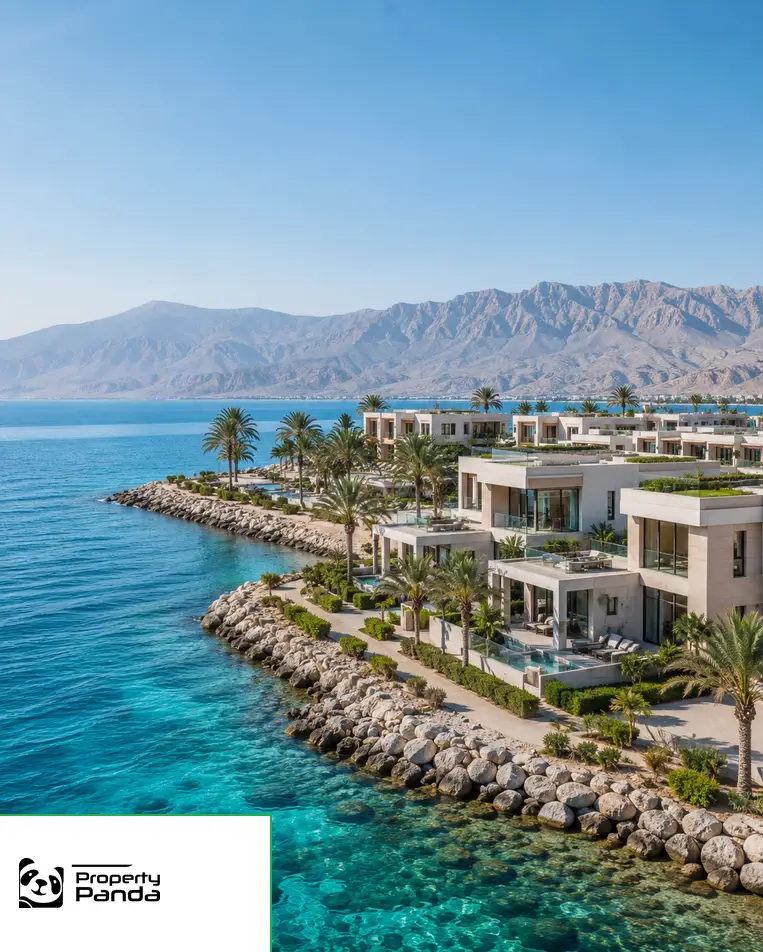
Mountain, beach and resort environments.
For SaleFor Rent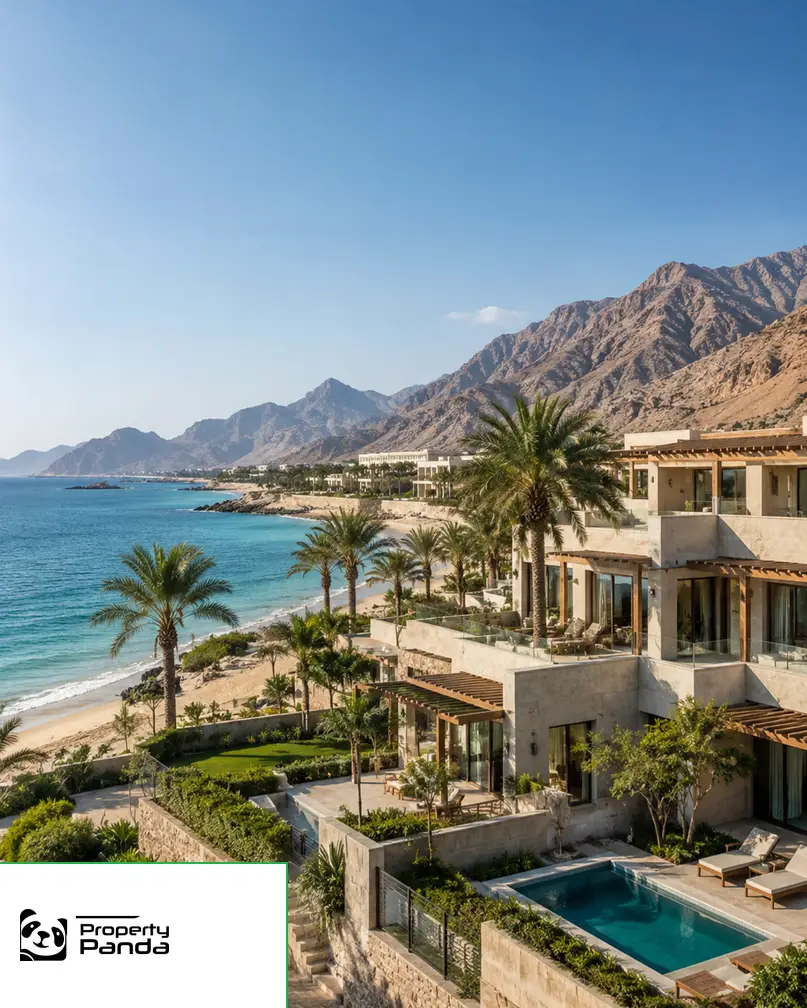
East-coast settings and scenic locations.
For SaleFor Rent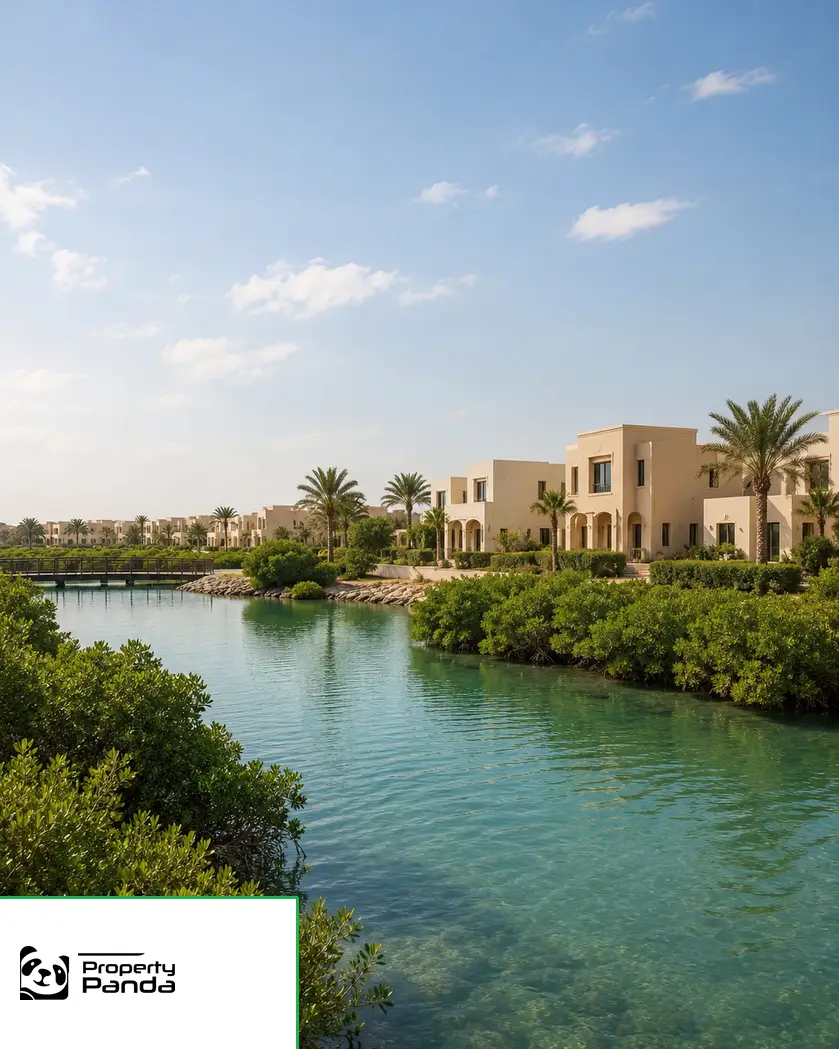
Low-density coastal settings.
For SaleFor Rent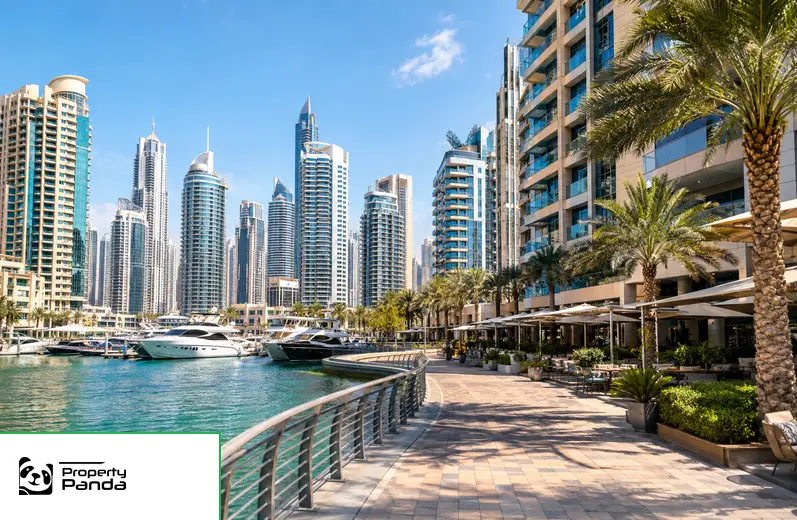
Waterfront apartments, towers and marina living.
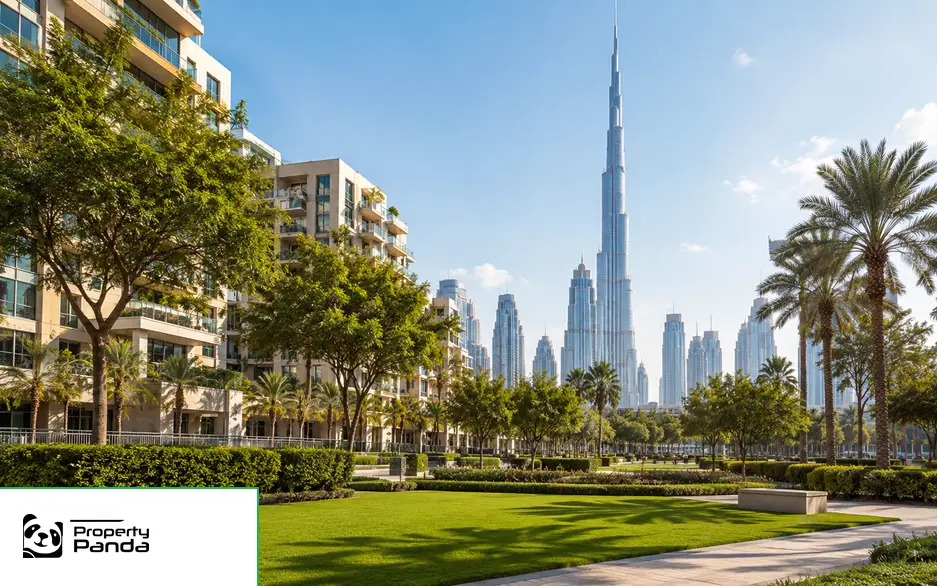
Landmark city living around central Dubai.
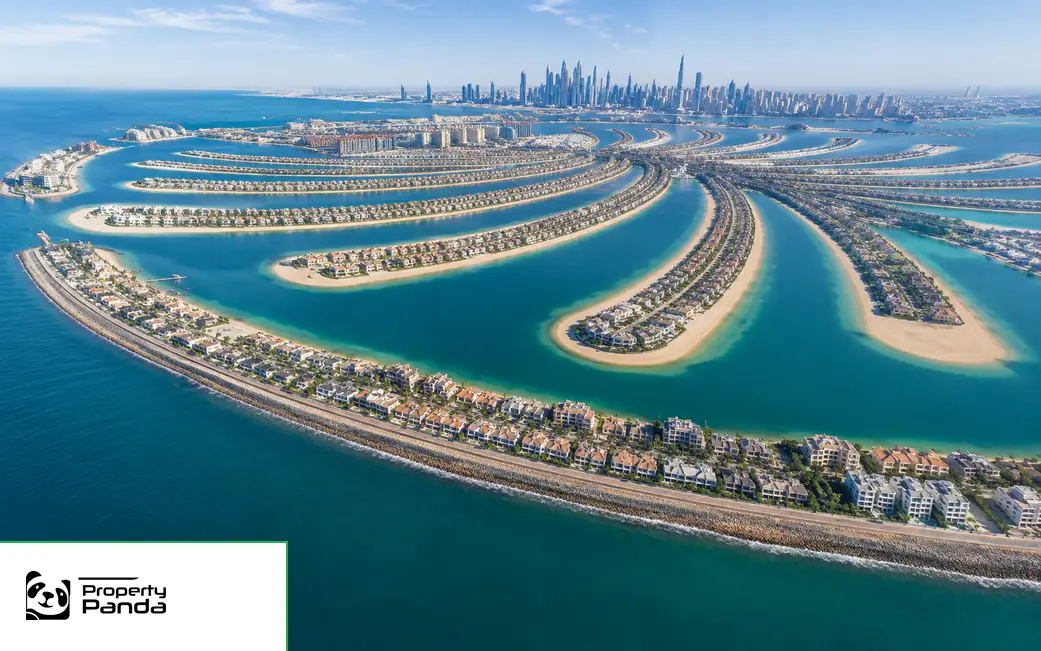
Island villas, apartments and waterfront homes.
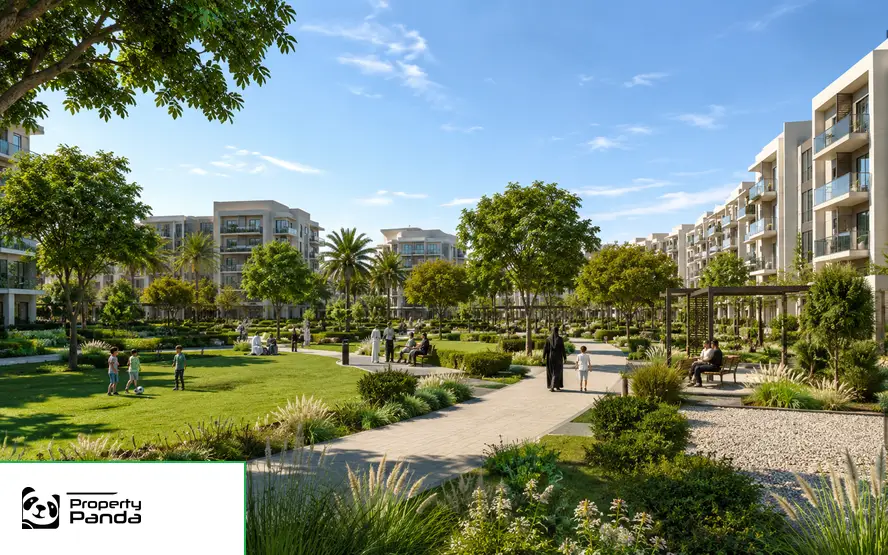
Family-focused apartments and townhouses.
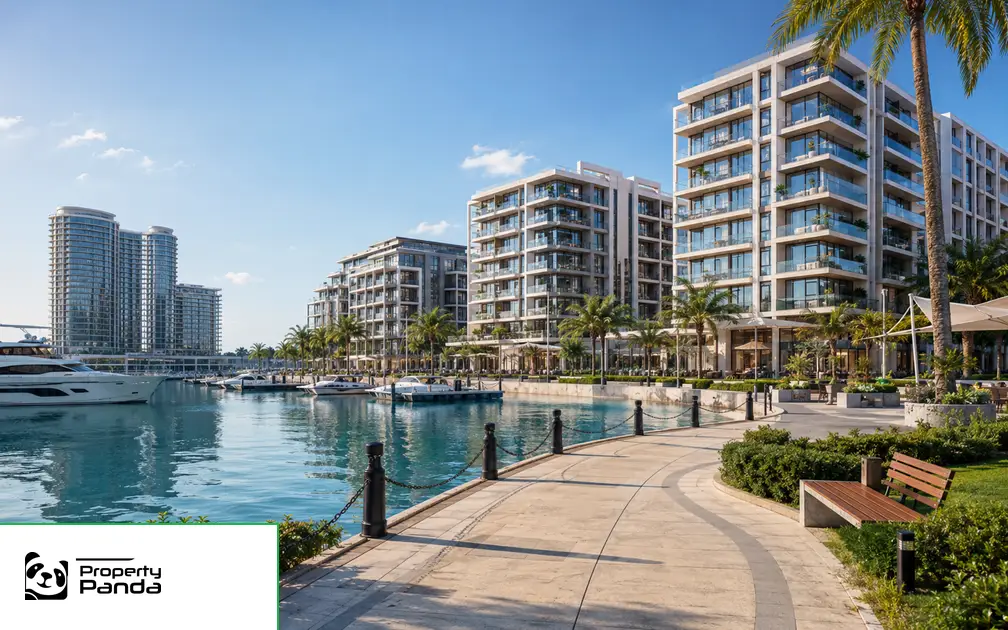
Abu Dhabi waterfront homes and communities.
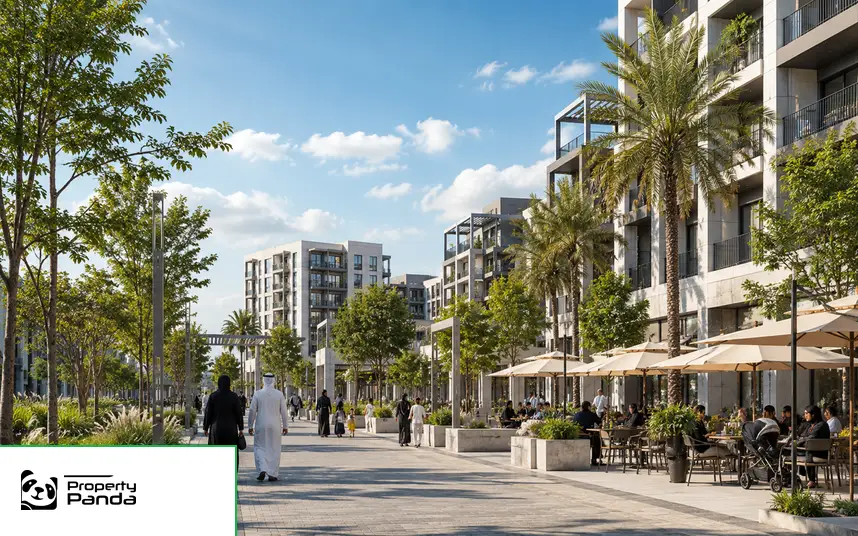
A modern mixed-use community in Sharjah.
Cards appear only after core project fields are sourced.
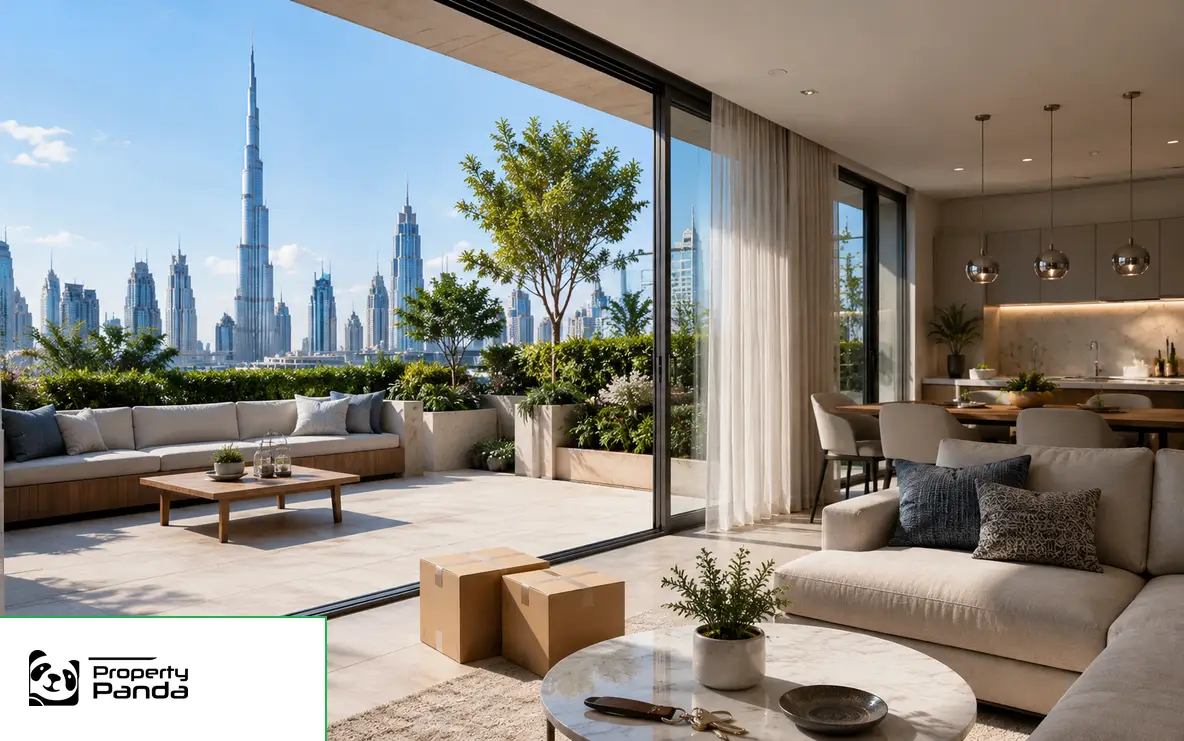
Review condition, service charges, viewing access and transaction readiness.
Explore Ready Property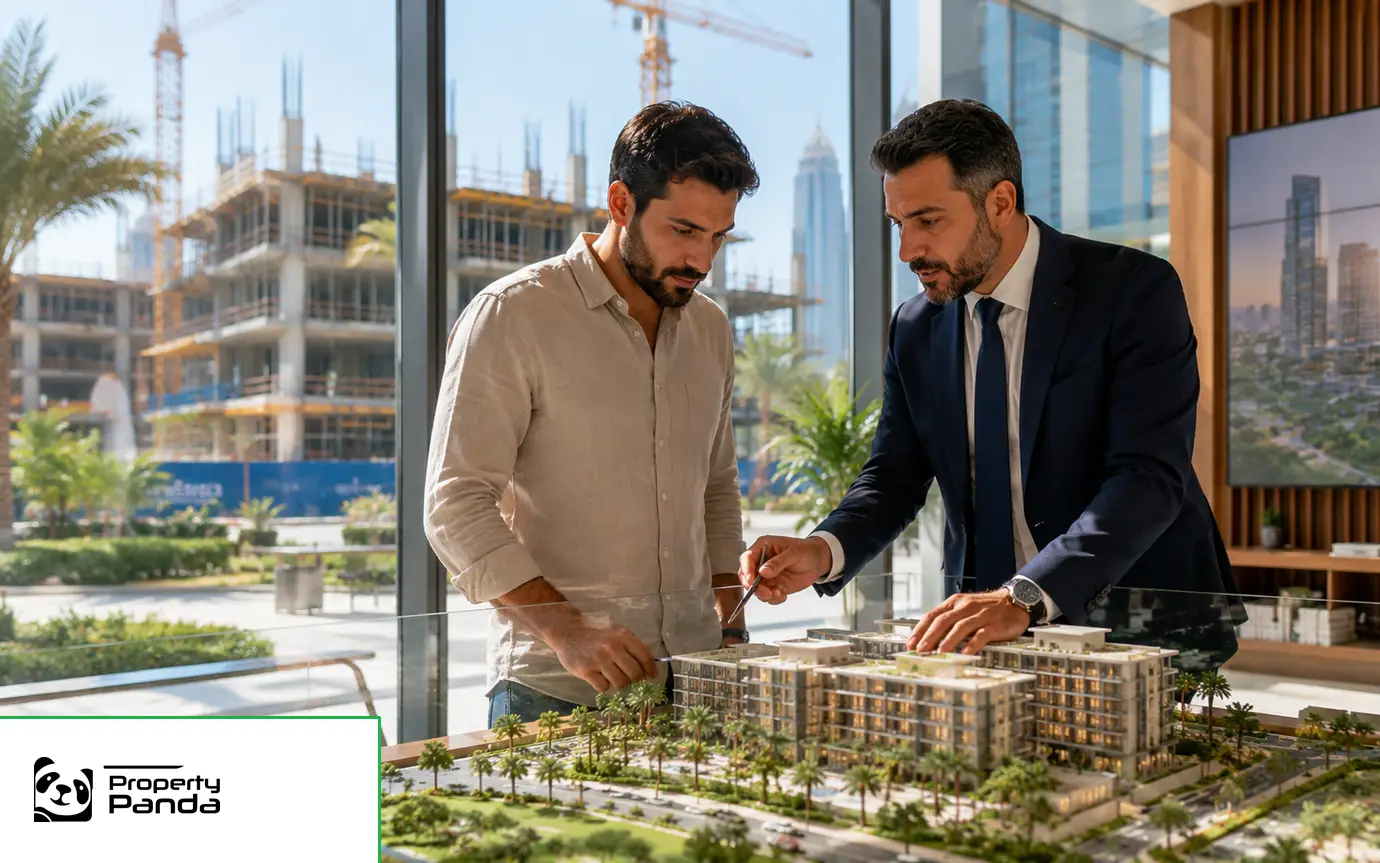
Review developer facts, construction stage, payment plan and handover.
Explore Off-plan Projects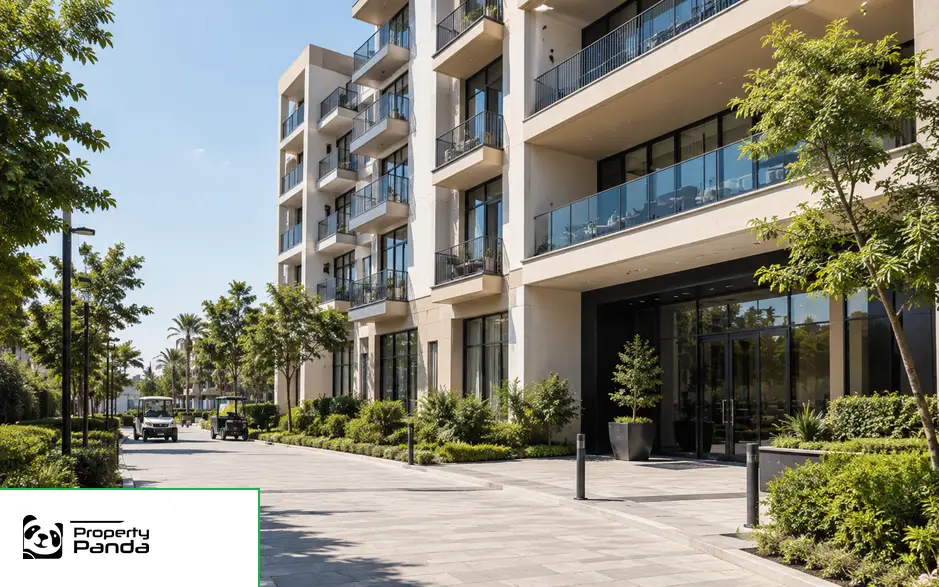
Research completed residential assets and occupancy context.
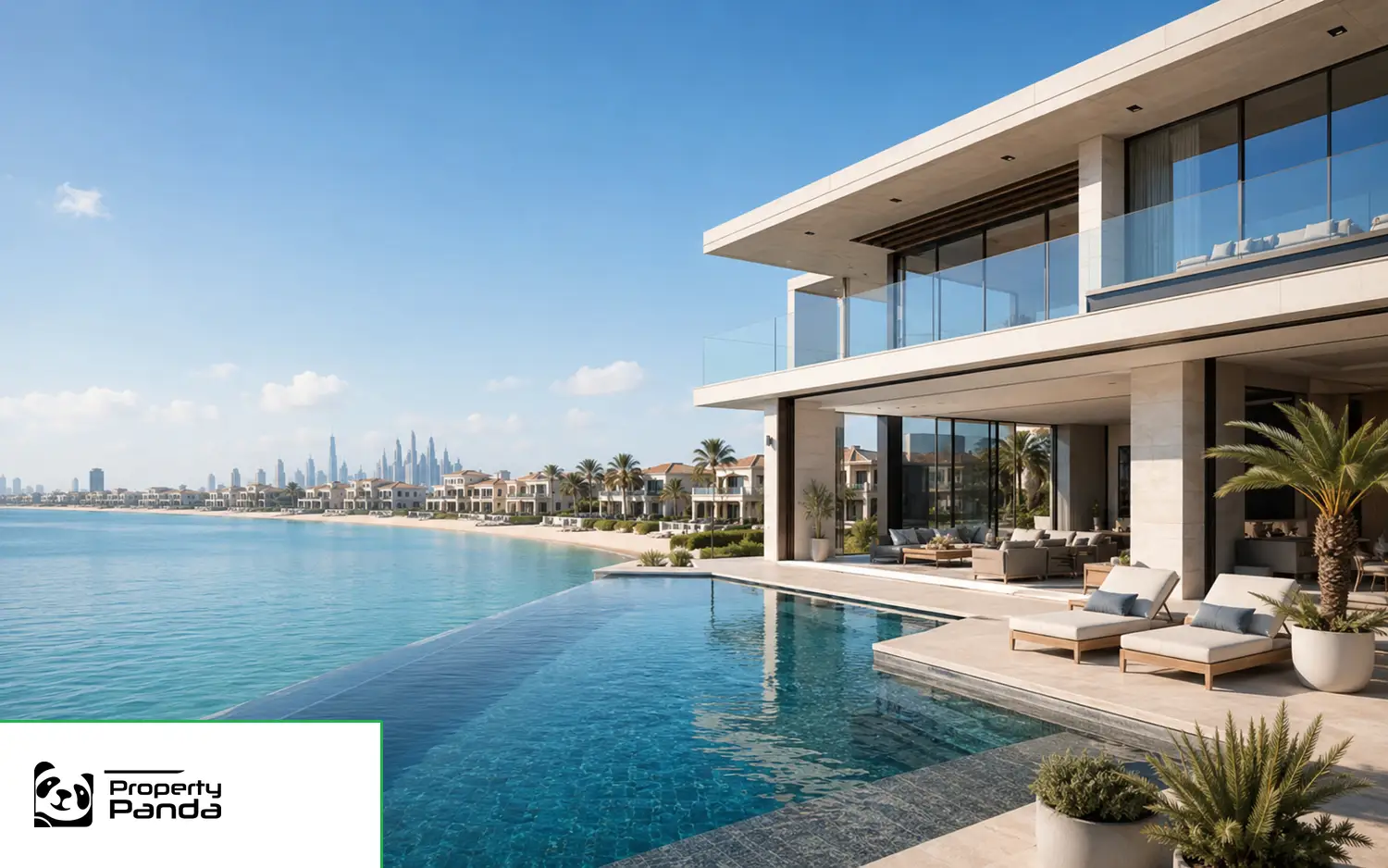
Explore premium coastal and waterfront homes.
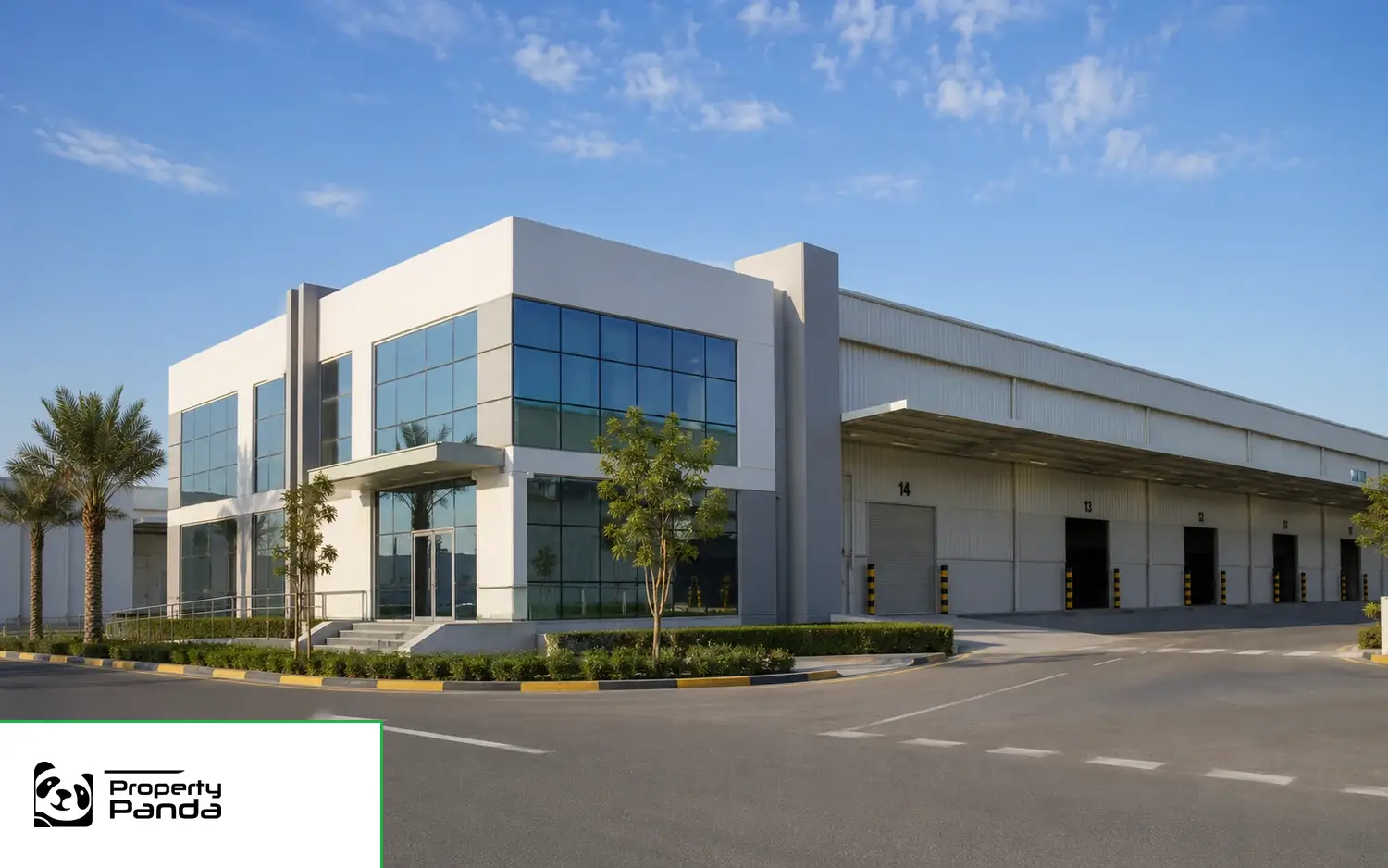
Research offices, warehouses and commercial assets.
 Approved entities only
Cards use approved logos, facts and profile routes.
Developer Directory Structured research
Compare location, development context and sourced project facts.
The module remains suppressed until official data and methodology are connected.
Conditional moduleAsking prices and completed transactions must remain distinct.

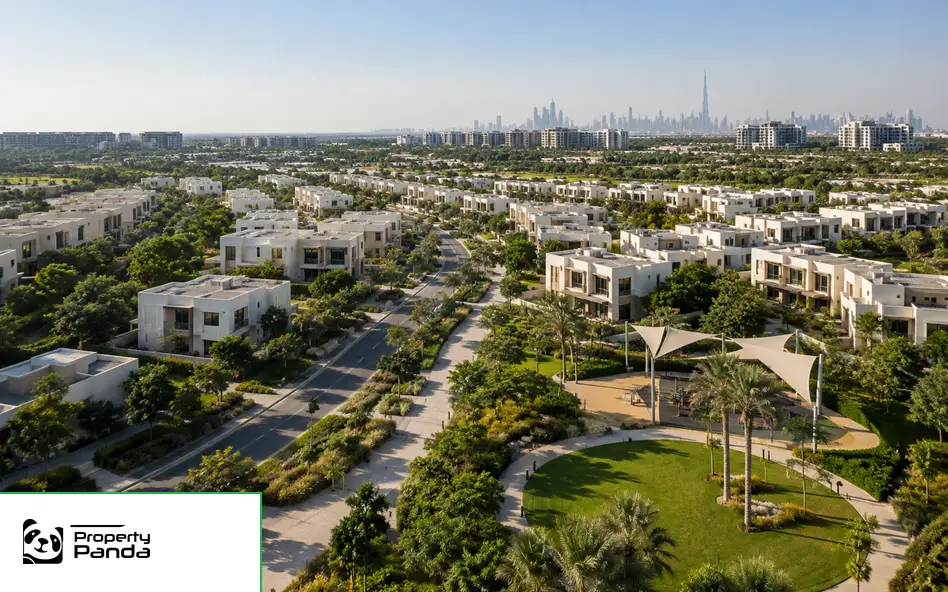
Profiles connect property, projects, transport and amenities.
Explore Area ProfilesSeparate professional valuation from automated market context.


Review ownership documentation, process and professional guidance before a transaction.
Clear services and an operational sequence.
Submit details and confirm ownership or authority.
Learn moreProvide property context for professional review.
Learn more
Route structured enquiries into the CRM.
Learn more
Apply publishing gates before public display.
Learn more
Profiles appear only after approval.

Find approved professionals and agency teams.
Review projects and controlled developer facts.
An evidence-based benefit within the portal architecture.
An evidence-based benefit within the portal architecture.
An evidence-based benefit within the portal architecture.
An evidence-based benefit within the portal architecture.
An evidence-based benefit within the portal architecture.
An evidence-based benefit within the portal architecture.

Use emirate, area, type and budget filters.

Compare location, layout and verified property information.

Send a structured enquiry for the selected property.
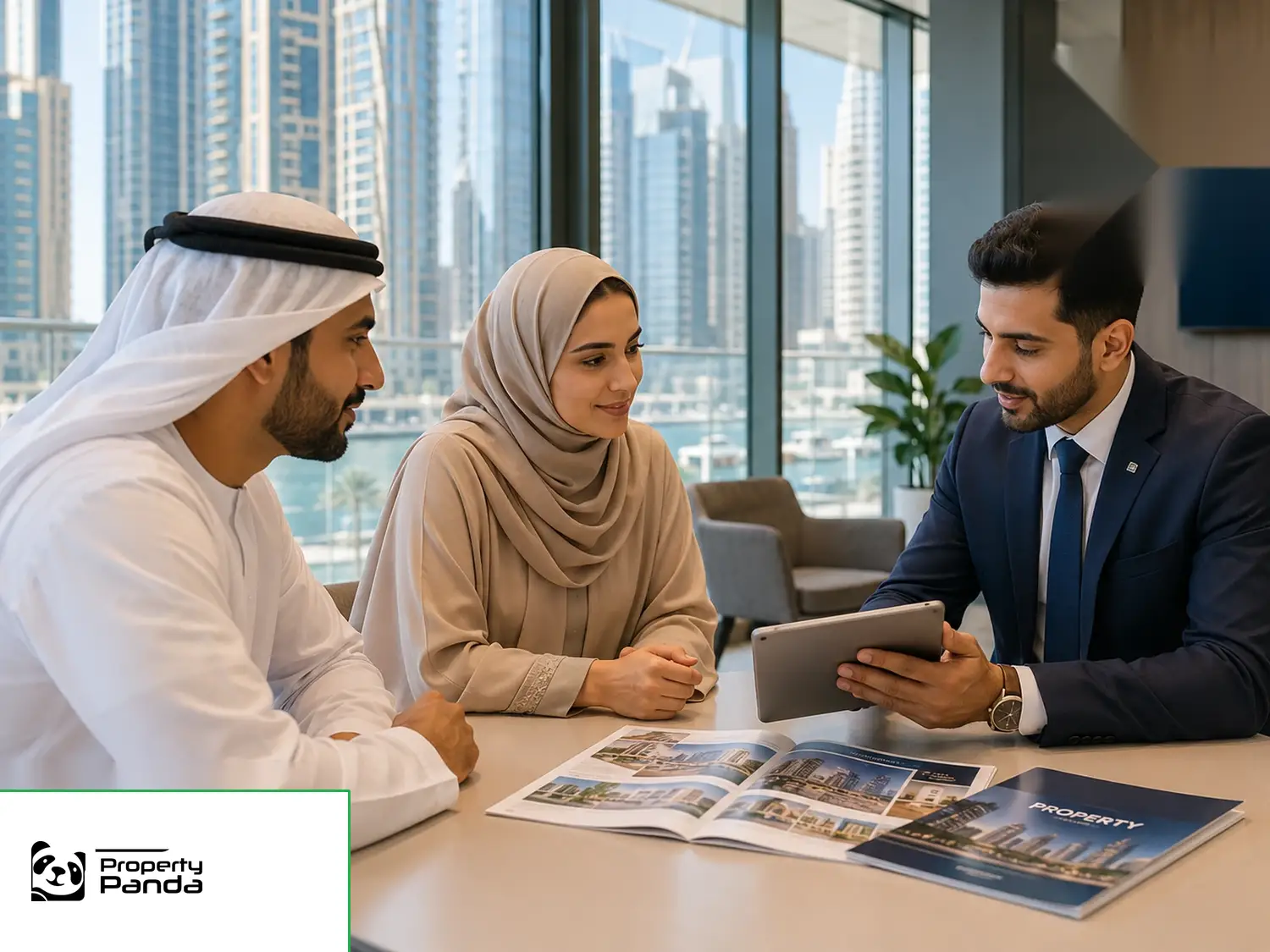
Follow saved properties, enquiries and viewing activity.

A practical guide to researching and buying property.
Read Guide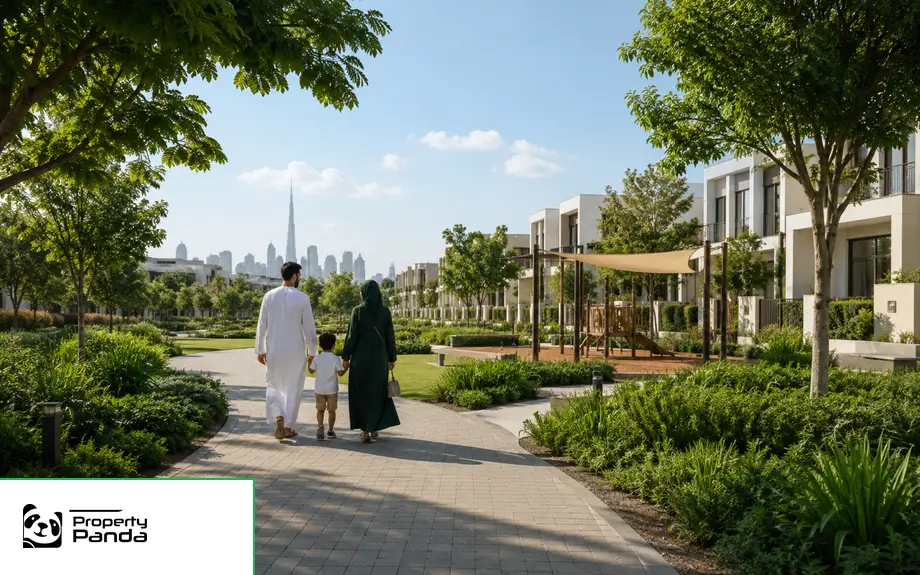
Understand communities, amenities and property choices.
Read Guide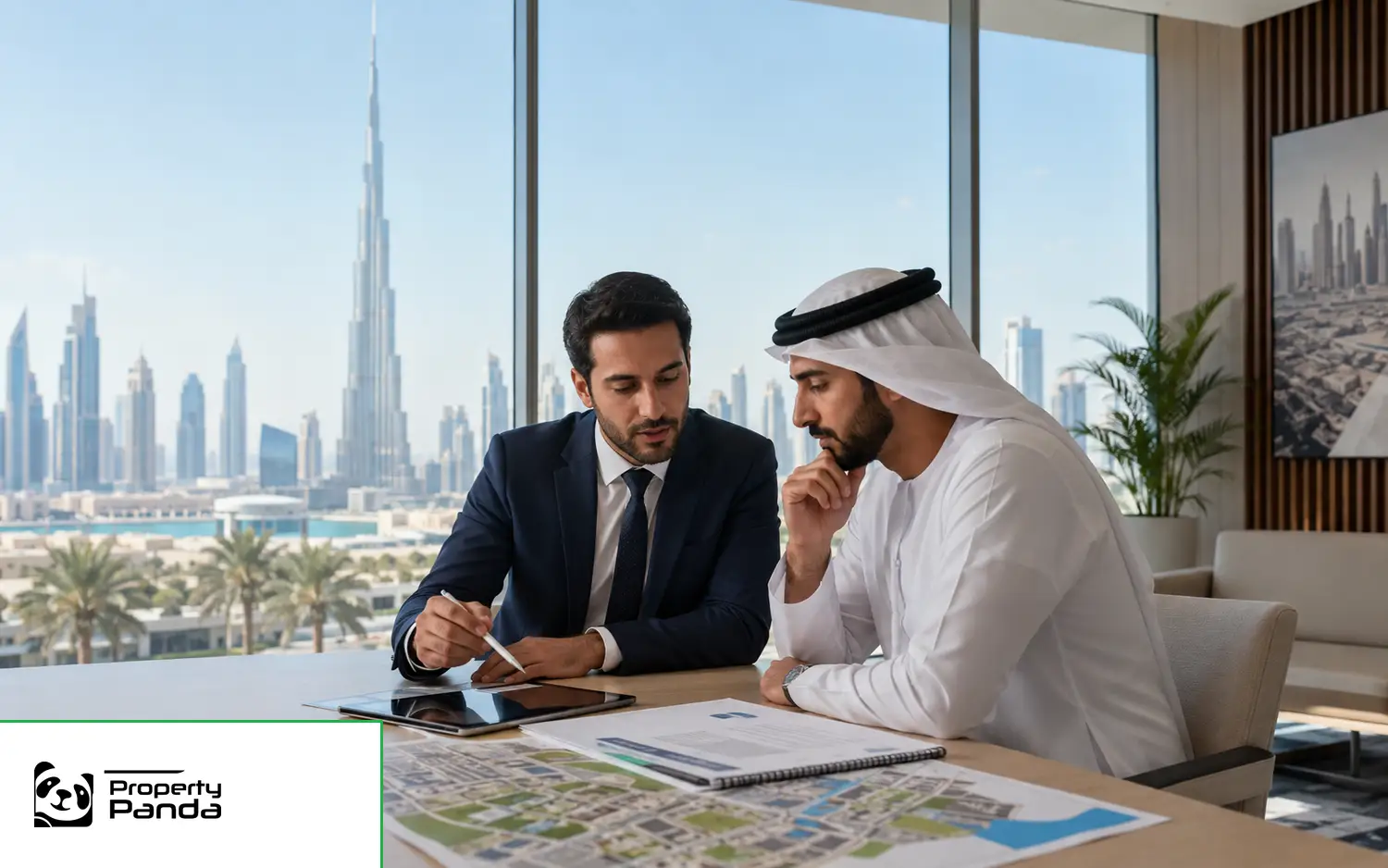
Research property options, facts and risks.
Read Guide
Prepare, value and market a UAE property correctly.
Read Guide Homepage support content
Choose the For Sale tab, emirate, location and property type.
Choose the For Rent tab and use rental-specific fields.
Yes. The architecture covers all seven emirates through controlled entities.
Yes, with commercial-specific categories and filters.
Submit details, confirm authority and complete review before publication.
No. Sources, dates, methodology and limitations must be shown.
Yes, with a separate Arabic homepage and RTL interface.
Personal-data capture activates only with consent and privacy controls.